
I've watched teams discover mid-outage that the backup job had been failing for weeks. Nobody was negligent. Every layer was configured, documented and green. What none of them had was a restore anyone had actually performed.
Find the date of your last restore performed by a human into a clean environment with the app running against it. If you cannot name it, you have backup jobs, not backups. Write down the duration too: that is your real recovery time, and it is longer than the runbook says.

A backup is a claim about the future. It says that if this data disappears, you will get it back. Until someone tests that claim, it is not a control. It is a belief, and the outage is when you find out what you believed.
GitLab restored from luck
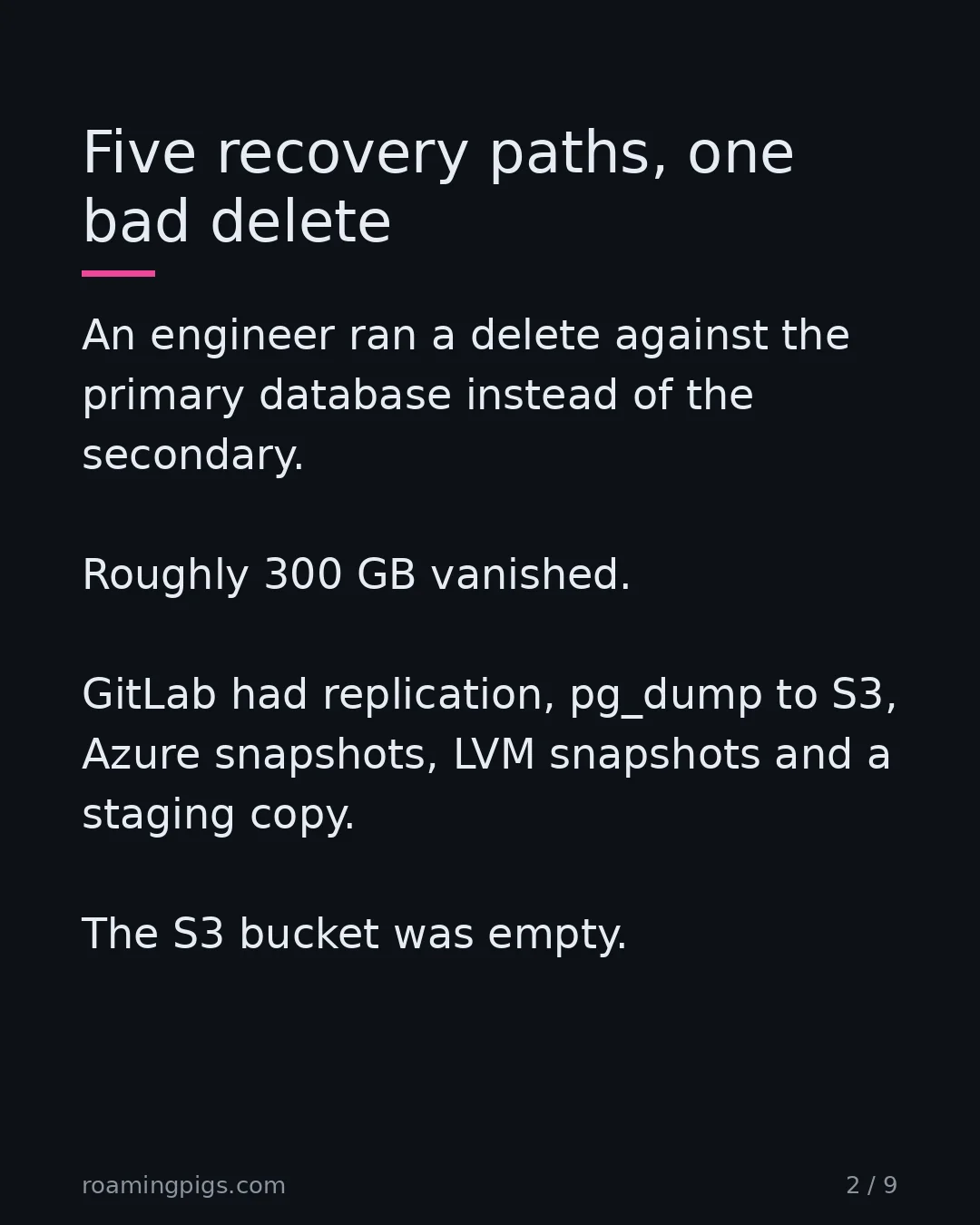
On 31 January 2017 a GitLab engineer, cleaning up after a bad night of replication problems, ran a delete against the primary database instead of the secondary. Roughly 300 GB vanished. The postmortem GitLab published is one of the most useful documents in operations, because they wrote down every layer that was supposed to save them and did not.
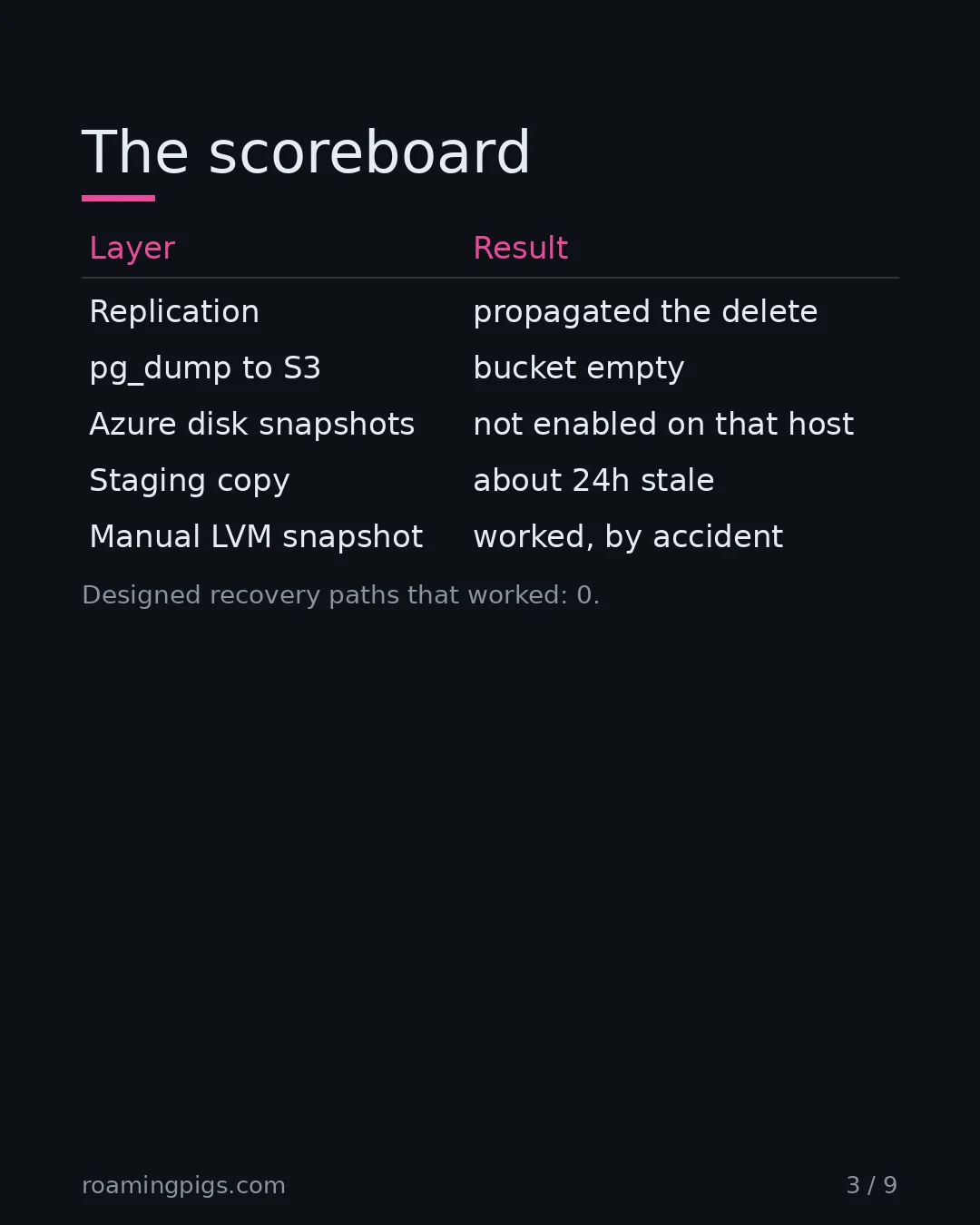
They had five. Replication, which had already broken and had propagated the deletion anyway. Regular pg_dump logical backups to S3. Azure disk snapshots. LVM snapshots. A staging copy.
The S3 bucket was empty. In GitLab's words, there was no recent backup to be found anywhere.
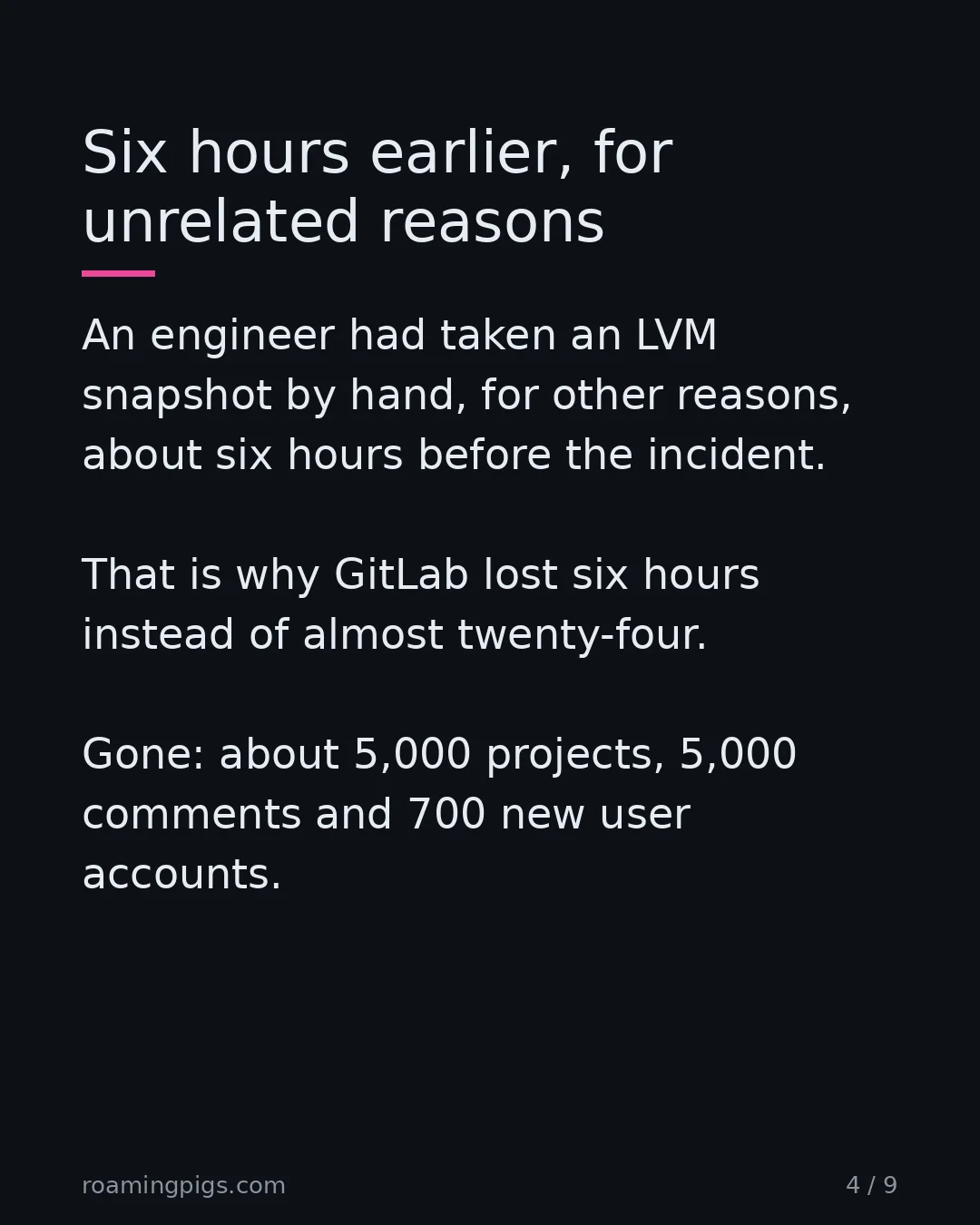
What they recovered from was an LVM snapshot that an engineer had taken by hand, roughly six hours before the incident, for unrelated reasons. That accident is the only reason the number is six hours of lost data rather than almost twenty-four. Modifications made between 17:20 and 00:00 UTC were gone: about 5,000 projects, 5,000 comments and 700 new user accounts.
Why smart teams end up here
I understand why teams end up here, because the reasoning is sound at every step. Replication comes first, since that is what protects you from hardware failure. Then logical dumps, because replication faithfully propagates mistakes. Then disk snapshots, because dumps are slow to take and slower to restore. The staging copy was already there.
Every layer was added by someone thinking carefully about a real failure mode the previous layer did not cover. That is good engineering. The count grows, and the growing count is itself reassuring: five is more than three, and more is safer. Nobody decided to skip testing. Testing was simply never the step that any individual layer required, and no one layer was obviously the one holding the weight.
The trap is that redundancy and verification feel like the same virtue. They are not related. Five untested paths do not average out to a working one, because they share the failure mode that matters: nobody has run them. Redundancy protects against independent failures. Never having tested is a common cause, and it takes all five at once.
The alarm had an alarm problem
The best part of the postmortem is the reason the S3 backups were missing, because it has nothing to do with backups.
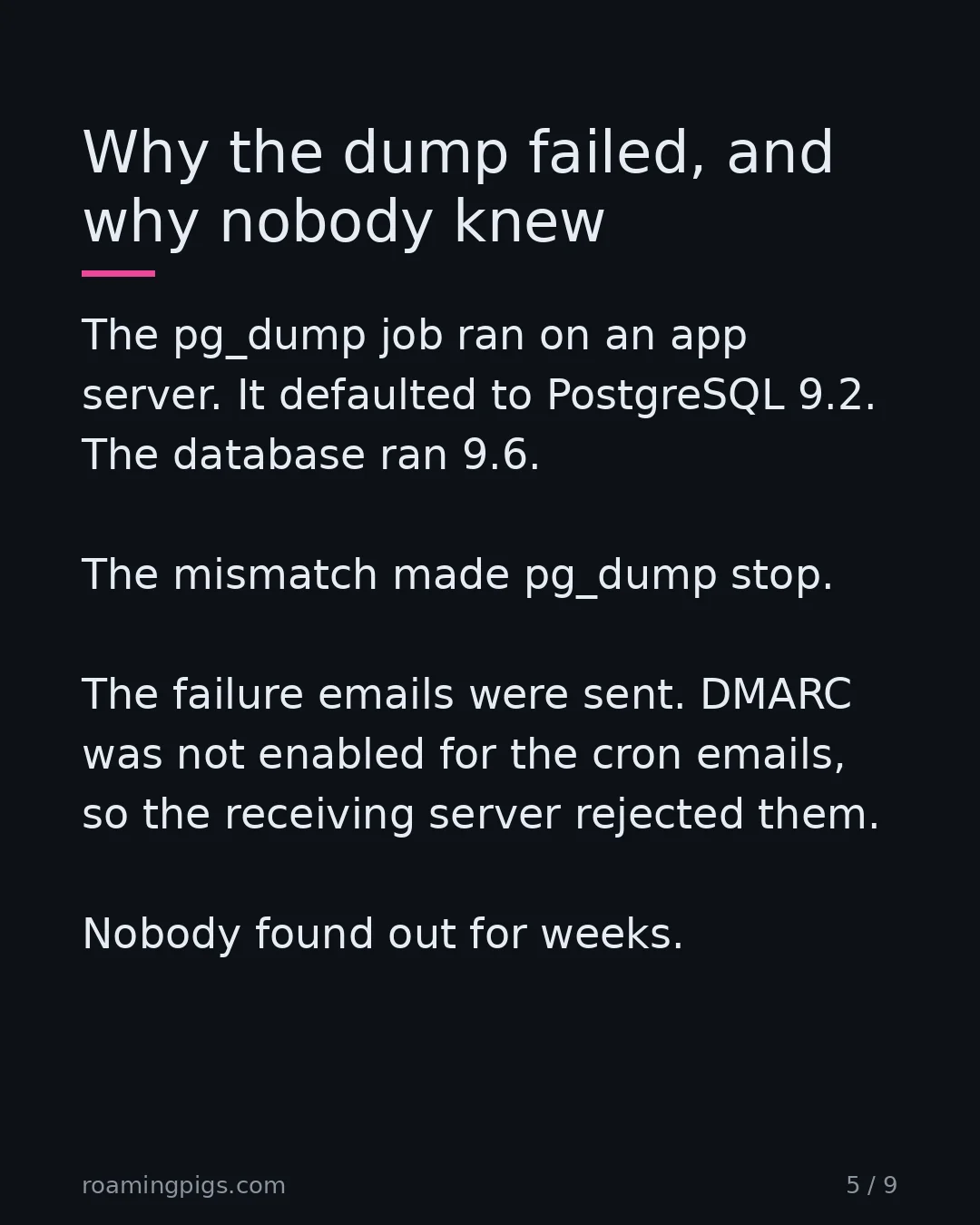
The pg_dump job ran on an application server rather than the database server. That server had no PostgreSQL data directory, so the packaging defaulted to PostgreSQL 9.2 while the database itself ran 9.6. A major version mismatch makes pg_dump error out and stop. GitLab's own words for what happened next: the procedure failed silently.
It was not truly silent. The cron job did what it was told and emailed on failure. GitLab.com used DMARC, but it was not enabled for the cronjob emails, so the receiving server rejected them. In GitLab's words, this meant they were never aware of the backups failing until it was too late. The notification channel for a broken backup was disabled by a mail authentication setting, and nobody found out for weeks.
Sit with the shape of that. The backup was monitored. The monitoring was configured. The failure of the monitoring was not monitored, and there is no end to that regress. You cannot fix it by adding a fourth layer that watches the third. You fix it by testing the outcome you actually want, which is a restore, on a schedule, with your own eyes.
This is the same disease as observability theatre. A dashboard that is green because nothing is reporting looks exactly like a dashboard that is green because everything is healthy. Absence of an alert is not evidence of health. It is absence of evidence, and those are different things that render identically.
Google wrote the sentence down
The distinction that matters is old and well documented. The data integrity chapter of Google's SRE book puts it in one line:
The chapter goes further, and the distinction is worth stealing. A backup is something you can load back into a running application. An archive is something you keep. Most of what teams call backups are archives, and they discover the difference at the worst possible moment.
Google's answer is not more layers. It is scheduled destruction. Their disaster recovery testing exercises deliberately break things and require teams to recover, which means the restore path is exercised by people who will be awake when it matters. A procedure that has never been run is a document, not a capability.
What to do instead: a real restore drill
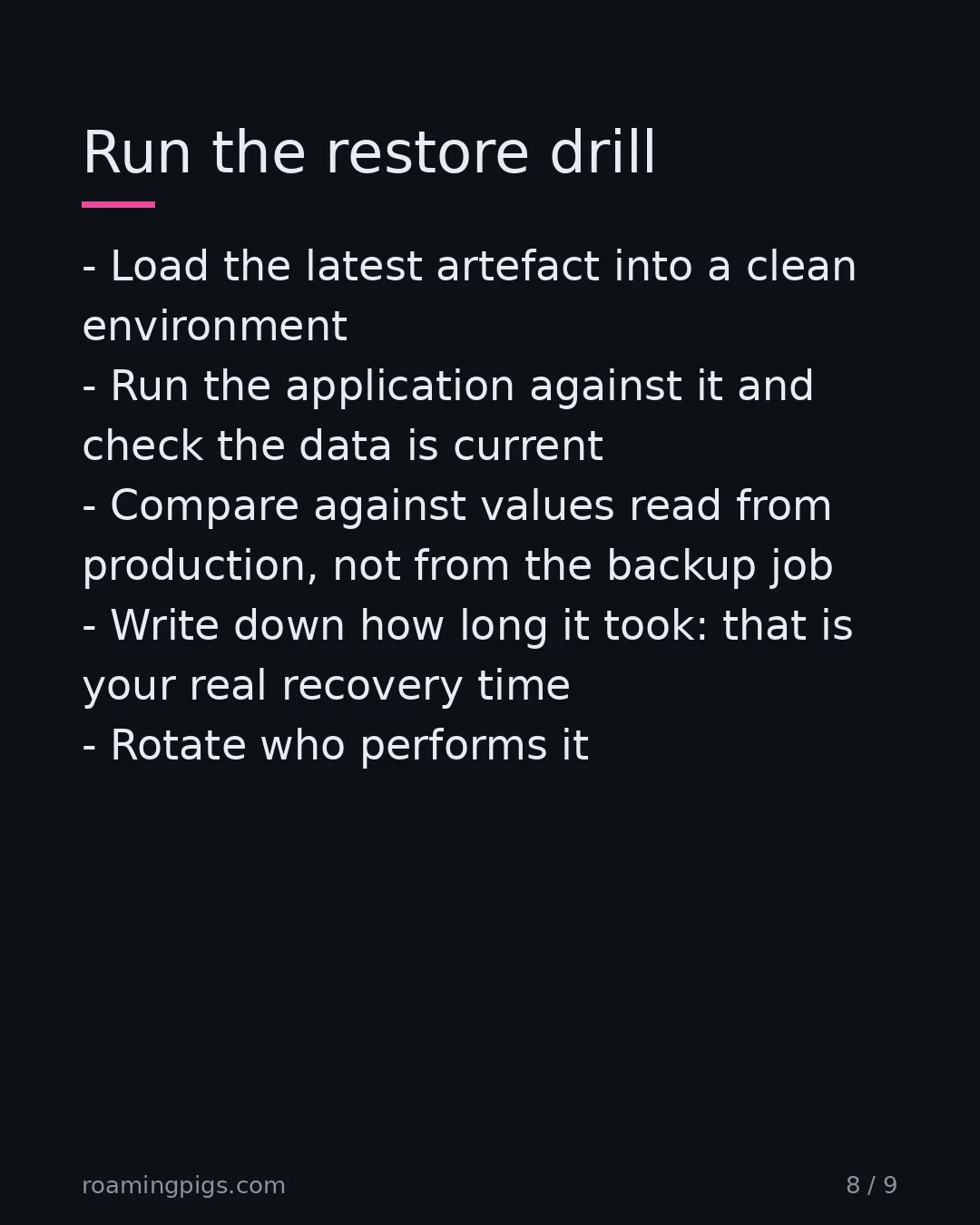
The bar is lower than people assume, and almost nobody clears it. A restore test does not mean checking that the backup file exists. Not its size, not its checksum, not whether the job exited zero.
It means taking the most recent artefact, loading it into a clean environment, running the application against it, and confirming the data is correct and current. Then write down how long that took. That number is your real recovery time, and it is always longer than the one in the runbook.
| What you check | What it proves | What it misses |
|---|---|---|
| Job exited zero | The job ran | Whether it wrote anything usable |
| File exists, size sane | Bytes landed | Version mismatch, partial dump, wrong database |
| Checksum matches | Bytes are intact | That the bytes were ever correct |
| Restore into a scratch environment | The data loads | Whether the app can use it |
| App runs against restored data | You have a backup | Nothing that matters |
Two habits are worth more than any tool. Put the restore duration in your incident runbook and update it every time you test, so the number is measured rather than hoped. And rotate who performs the test, because a restore only one person can do is a single point of failure wearing a procedure costume.
Three green checks and an empty restore
I wanted to watch the first three rows of that table pass on a useless backup, so I wrote a toy. It uses SQLite from the Python standard library, not PostgreSQL or pg_dump. It copies only the shape of GitLab's failure: a dump job running on a host where the data is not. The job exits zero, writes a file and records a checksum.
# A toy, not pg_dump: SQLite stands in for the database. The backup job
# runs on a host with no data, so it opens an empty database by mistake.
import hashlib, pathlib, sqlite3, tempfile

tmp = pathlib.Path(tempfile.mkdtemp())
prod = sqlite3.connect(tmp / "prod.db")
prod.execute("CREATE TABLE accounts (id INTEGER PRIMARY KEY, created_at INTEGER)")
prod.executemany("INSERT INTO accounts VALUES (?, ?)",
                 [(i, 1_000 + i) for i in range(700)])
prod.commit()
# What a good restore must contain, read from production by the drill.
expected = prod.execute("SELECT count(*), max(created_at) FROM accounts").fetchone()

def backup(source, out):
    """The job: dump `source`, write it, record a checksum. Returns 0."""
    dump = "\n".join(sqlite3.connect(source).iterdump()).encode()
    out.write_bytes(dump)
    out.with_suffix(".sha256").write_text(hashlib.sha256(dump).hexdigest())
    return 0

def drill(source, label):
    out = tmp / f"{label}.sql"
    exit_code = backup(source, out)
    data = out.read_bytes()
    checks = {
        "exit 0":   exit_code == 0,
        "size > 0": len(data) > 0,
        "checksum": hashlib.sha256(data).hexdigest()
                    == out.with_suffix(".sha256").read_text(),
    }
    scratch = sqlite3.connect(":memory:")            # clean environment
    try:
        scratch.executescript(data.decode())
        checks["restore"] = True
        found = scratch.execute(
            "SELECT count(*), max(created_at) FROM accounts").fetchone()
        checks["app query"] = found == expected      # complete and current
    except sqlite3.Error as e:
        checks.setdefault("restore", False)
        checks["app query"] = f"failed: {e}"
    print(f"{label:<9} {len(data):>6} bytes  " +
          "  ".join(f"{k}={v}" for k, v in checks.items()))

drill(tmp / "prod.db", "db host")                    # the job where the data is
drill(tmp / "app-server.db", "app host")             # the job where it is not
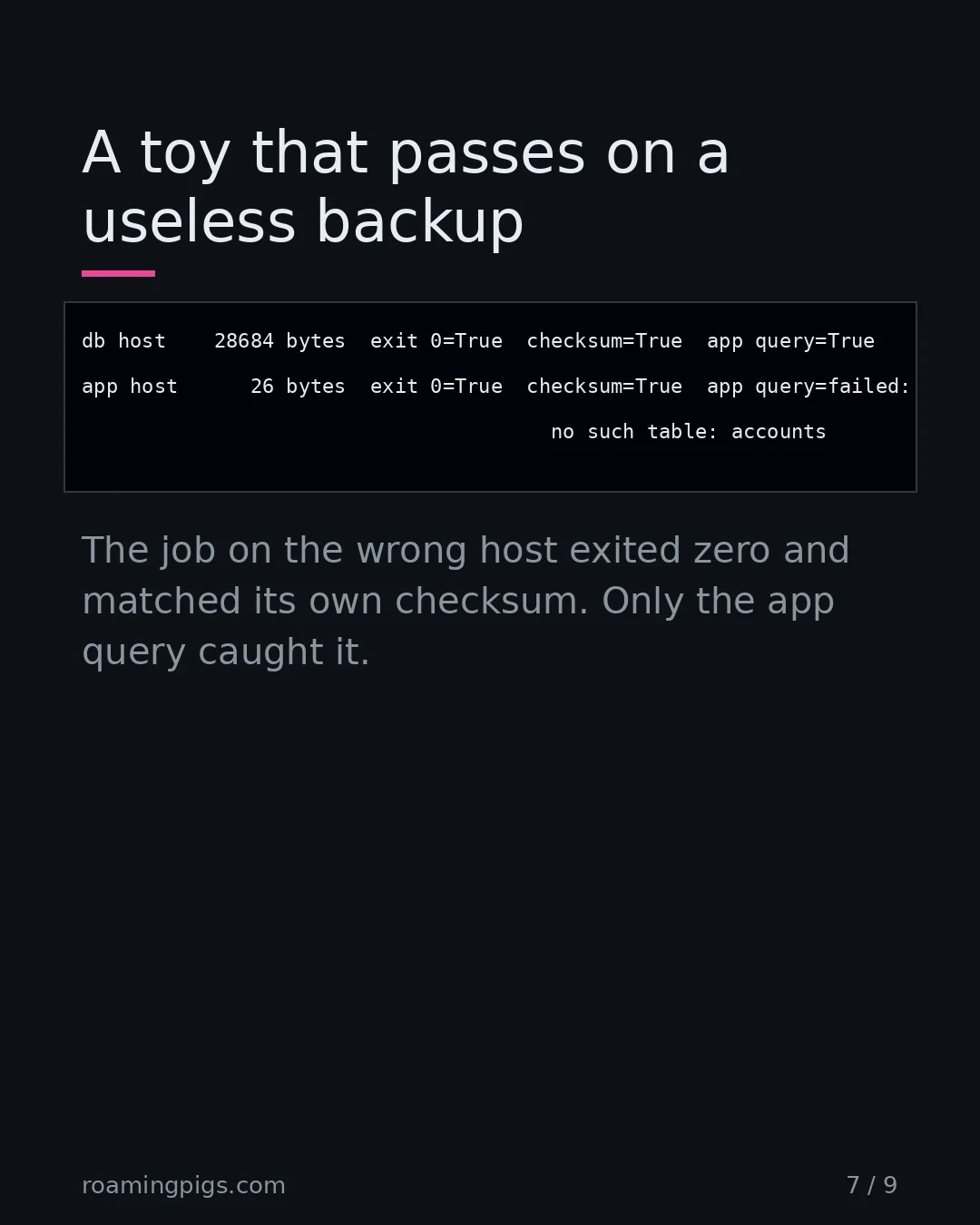
db host    28684 bytes  exit 0=True  size > 0=True  checksum=True  restore=True  app query=True
app host      26 bytes  exit 0=True  size > 0=True  checksum=True  restore=True  app query=failed: no such table: accounts
The job on the wrong host exited zero, wrote 26 bytes and matched its own checksum. It even restored, because an empty dump loads without complaint. Only the query the application would run found the problem. The checksum could never have found it, since it was computed from the bad bytes. That is the third row of the table: intact is not the same as correct.
Then I tried to fool the last check. A dump that kept the table but only the newest hundred rows passed a query that looked at the newest row alone. Comparing the row count as well caught it, and still caught a stale copy and a dump with the wrong columns. The expected values come from production, read by the drill, not from anything the backup job wrote.
Why this keeps happening
Backups fail quietly because everything about them is asymmetric. The cost of running them is daily and visible. The benefit is rare and invisible. Nobody is praised for a restore that never had to happen, so the work drifts to whoever has time, and the verification step is the first thing cut when there is none.
There is also a technical asymmetry that makes silent failure the default. A backup job is a write path. It has no reader. Every other system you run is exercised constantly by users who complain the moment it breaks, which is a form of continuous testing you get for free. Your backup has no users until the day it has exactly one, and by then the feedback loop is measured in lost accounts.
Storage being cheap has quietly made this worse. When a full copy cost real money you thought hard about what you were keeping and whether it worked. Now the copy is a line in a config file and a rounding error on the bill, so it gets configured once and never questioned. The same economics that made boring, well-understood infrastructure so cheap to run also removed the friction that used to force people to look at it.
The one number to have
If you take one thing from GitLab's very bad day, make it this. They did not lack backup systems. They had five. They lacked one number: the date of the last successful restore, performed by a human, from the artefact they would actually reach for.
That number is the only honest measure of whether your data is safe. Every other metric on the backup dashboard describes the writing, and the writing was never the part in question. If you cannot say today's date minus something small, you do not know whether you have backups. You know that you have jobs.
When a belief is good enough
Not all data earns a drill, and skipping one makes sense when the data can be regenerated from a system that is itself exercised daily. A cache is the easy case. The honest question is never whether the data is backed up. It is what happens if this is gone, and if the answer is that someone runs a job and waits, that is a rebuild path rather than a restore path. It counts, provided anyone has run it.
The rule applies wherever the data is the only copy of something a human made. User accounts, comments, uploaded files, the audit trail. GitLab lost projects and comments but kept every Git repository, because repositories and wikis were stored separately and the deletion never touched them. That is worth noticing for an unglamorous reason. The blast radius stopped at a storage boundary somebody had drawn for other reasons, which is a better outcome than any of the five backup paths delivered.
Before You Trust Your Backup Dashboard
Five checks on the restore, not the job.
- Do not count a zero exit code, a sane file size or a matching checksum as a backup. They prove the job ran and the bytes are intact, not that the bytes were ever correct.
- Restore the most recent artefact into a clean environment and run the application against it. Confirm the data is correct and current, with expected values taken from production.
- Write down the date of the last successful restore and how long it took. Put the duration in the incident runbook and update it after every test.
- Rotate who performs the restore. One that only one person can do is a single point of failure.
- Count recovery paths that have been run, not paths that exist. Five untested paths share one failure: nobody has run them.
The Bottom Line
A backup is a claim about the future, and until someone tests that claim it is not a control. GitLab had five recovery paths and was rescued by a manual snapshot taken for unrelated reasons six hours earlier. Their backup alarm was disabled by a mail authentication setting, which is the kind of thing no amount of backup engineering finds. Schedule a real restore, into a clean environment, with the application running against it. Then write down the date and the duration, and treat both as production metrics.
"A procedure that has never been run is a document, not a capability."
Sources
- Postmortem of database outage of January 31 — GitLab's own postmortem. Source for the five recovery paths, the empty S3 bucket, the pg_dump 9.2-against-9.6 mismatch that failed silently, the cronjob failure emails rejected because DMARC was not enabled for them, the manual LVM snapshot taken roughly six hours earlier, and the estimate of 5,000 projects, 5,000 comments and 700 user accounts lost.
- Site Reliability Engineering: Data Integrity - What You Read Is What You Write — Google's SRE book. Source for the distinction between backups and archives, the line that no one really wants to make backups and what people want are restores, and the practice of periodically testing restore procedures through disaster recovery exercises.
- pg_dump - PostgreSQL documentation — Primary documentation for pg_dump. Confirms that pg_dump refuses to operate against a server whose major version is newer than the tool, which is the mechanism behind GitLab's silently failing logical backups.

Disagree? Have a War Story?
I read every reply. If you've seen this pattern play out differently, or have a counter-example that breaks my argument, I want to hear it.
Send a Reply →