
Langflow's first advisory for CVE-2026-105740 says the bug is patched in 1.9.0. When that advisory went up on 10 September, the real fix had been out for seven weeks, in 1.10.3. The advisory named the release that locked the front door. The command still ran in the room behind it.
Upgrade Langflow to 1.10.3 or later, not 1.9.0, and set LANGFLOW_AUTO_LOGIN=false. 1.9.0 added an allowlist to the settings API only; the launcher still ran stored commands through a shell until 1.10.3. A control you can walk around is decoration.
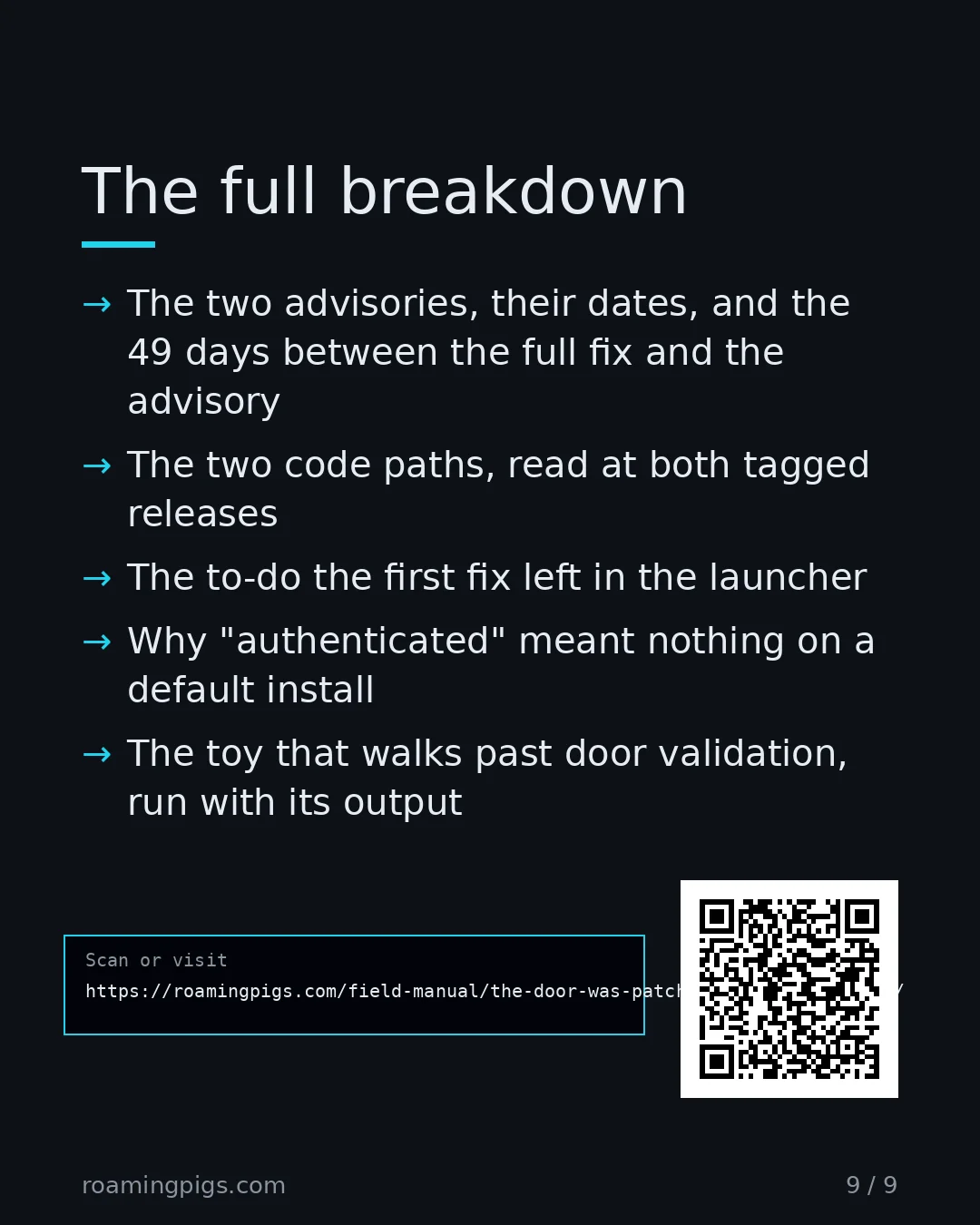
At a glance
- Bug: OS command injection (CWE-78) in how Langflow launches an MCP server. Code runs on the host as the Langflow process user.
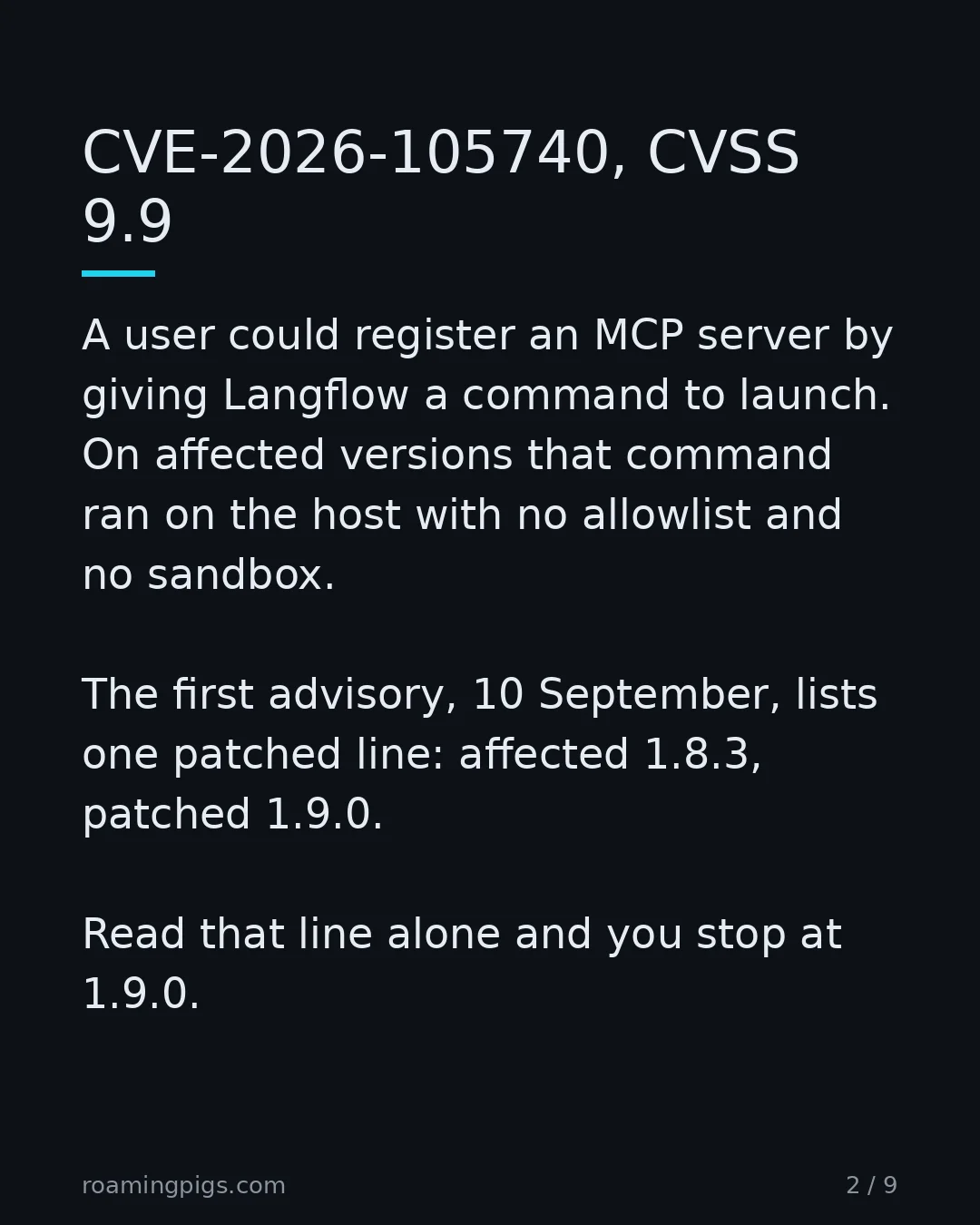
- First advisory: GHSA-7w94-79vh-5mr2, 10 September 2026. CVE-2026-105740, CVSS 9.9. Affected 1.8.3. Patched 1.9.0.
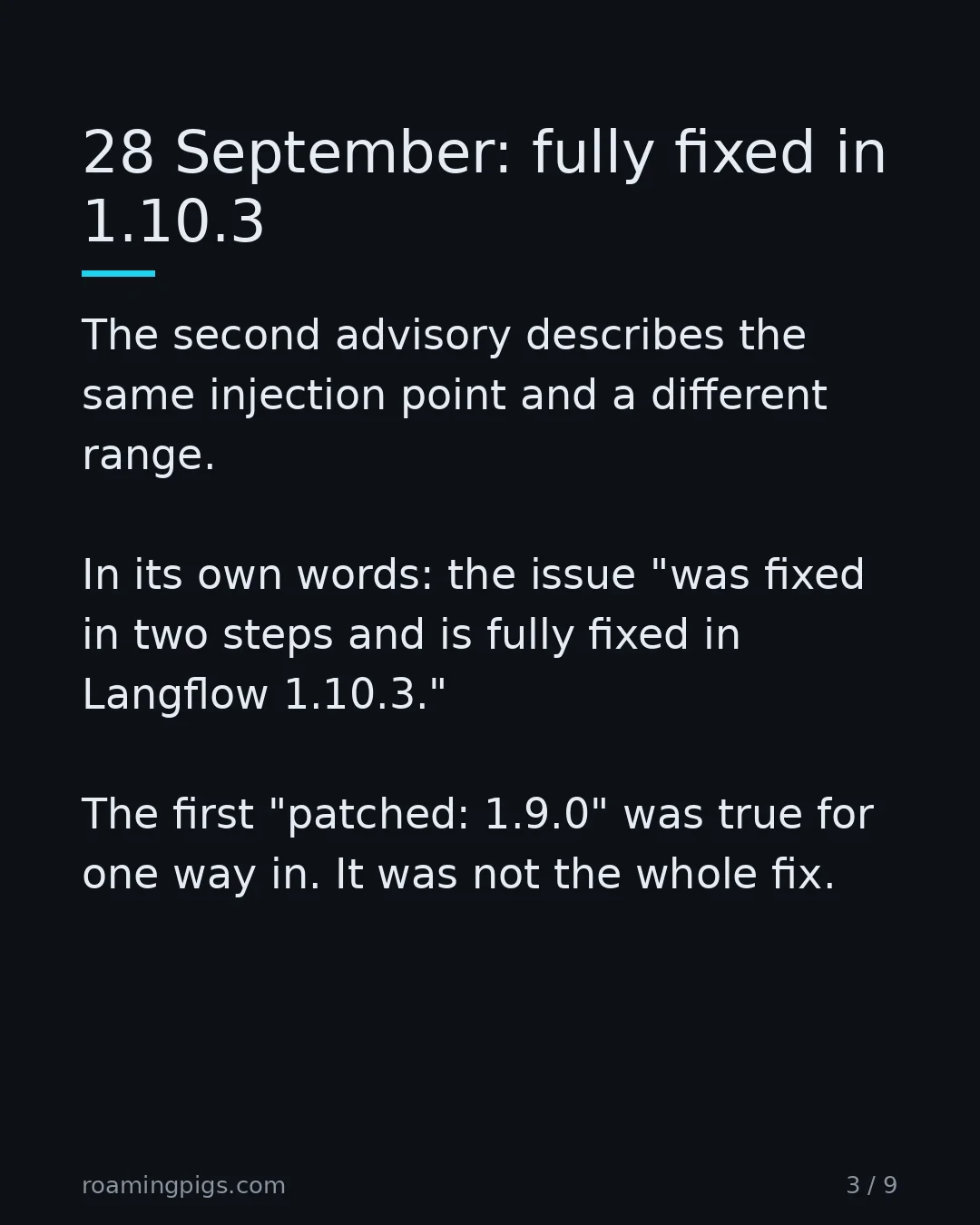
- Second advisory: GHSA-w794-rj3p-xv45, 28 September 2026. CVE-2026-105697, CVSS 9.9. Affected 1.1.2 up to 1.10.3. Patched 1.10.3.
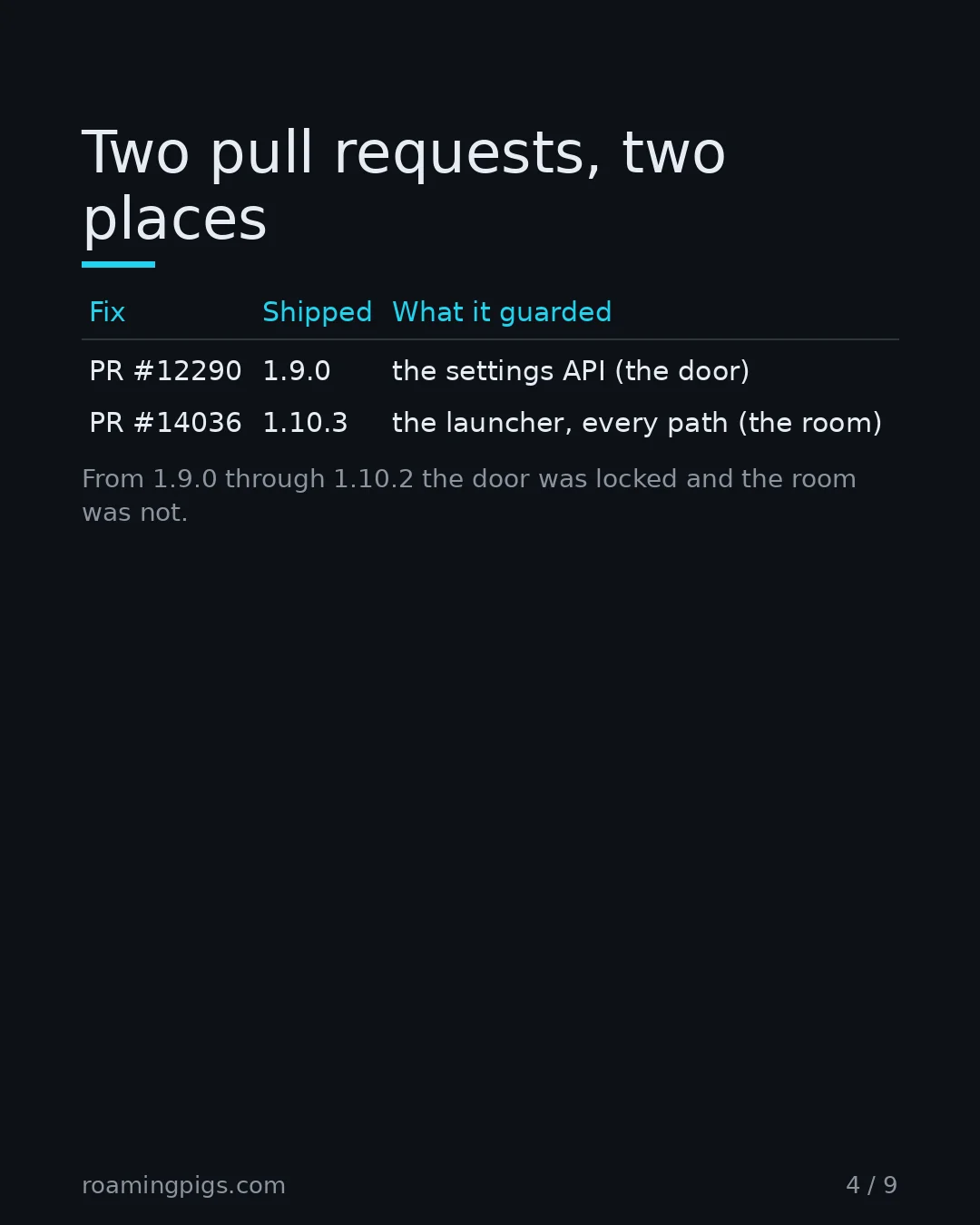
- Fix one: PR #12290, merged 27 March, released in 1.9.0 on 14 April. An allowlist on the settings API.
- Fix two: PR #14036, merged 14 July, released in 1.10.3 on 23 July. The same policy at the launcher, and no shell.
- Gap: 1.9.0 through 1.10.2. One hundred days between the two releases.
- Default:
LANGFLOW_AUTO_LOGINis true in the application and false in the official Docker images.
Two advisories, one bug
Langflow is a tool for building agent workflows. One feature lets a user register an MCP server by giving it a command to launch. On affected versions that command went to the operating system with no allowlist and no sandbox.
The first advisory, GHSA-7w94-79vh-5mr2, calls it an "authenticated RCE." Its affected-versions table has one row: affected 1.8.3, patched 1.9.0. GitHub's record shows it was last updated on 5 October. On 16 October that row still said 1.9.0. Read it alone and you upgrade to 1.9.0 and close the ticket.
The second advisory, GHSA-w794-rj3p-xv45, landed eighteen days later. Same injection point, a different CVE, the same 9.9. Its range runs from 1.1.2 up to but not including 1.10.3. In its own words, the issue "was fixed in two steps and is fully fixed in Langflow 1.10.3."
Nothing in the first advisory is false. 1.9.0 did close the path it described. It was not the whole fix, and nothing on the page says so.
The door and the room
The second advisory spells out the split. The fix came in two pull requests, and they changed two different places in the code.
PR #12290, in 1.9.0, added a command allowlist to the REST model that the "Add MCP Server" settings page posts to. After it, that page and that API refuse any command not on the list. That is the door.
PR #14036, in 1.10.3, moved the same policy to the place where the command is launched. It enforces it on every path into that place, including a config embedded in a saved flow or passed as a tweak. It also removed the shell wrapper. That is the room.
The advisory carries its own table of what each release did. I have cut it down to the two places that matter.
| Release | Settings page and API | The launcher |
|---|---|---|
| 1.1.2 to 1.4.x | Not yet built | Runs the component's command with no validation |
| 1.5.0 to 1.8.x | Accepts any command | Runs it through bash -c, no validation |
| 1.9.0 to 1.10.2 | Rejects off-list commands | Still no validation, still bash -c |
| 1.10.3 and later | Rejects off-list commands | Validates right before spawning, no shell |
The third row is the whole story. Configs that skip the settings model never meet the allowlist. The advisory's example is "an MCP Tools component value embedded in a flow or passed as a tweak." Those "can still execute arbitrary commands."
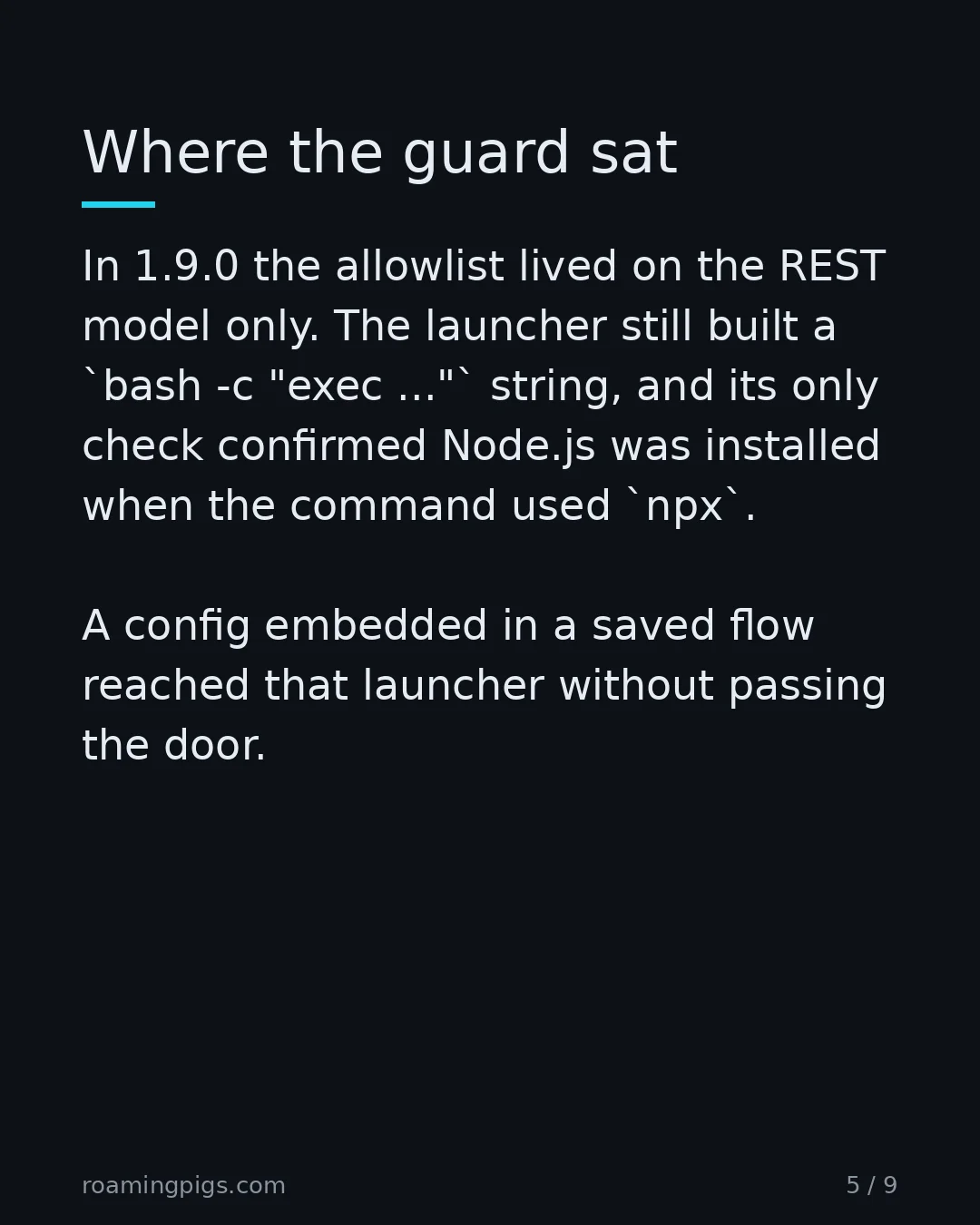
I read the launcher at both tags rather than trust the summary. At 1.9.0 it still hands the command to a shell:
v1.9.0  util.py
server_params = StdioServerParameters(
    command="bash",
    args=["-c", f"exec {command_str} || echo 'Command failed ...' >&2"],
v1.10.3 util.py
validate_mcp_stdio_config(command_parts[0], command_parts[1:], env)
server_params = StdioServerParameters(
    command=command_parts[0],
    args=command_parts[1:],
^ one launches a shell with your string in it. the other checks, then execs.
At 1.9.0 the only check on that path confirms Node.js is installed when the command mentions npx. At 1.10.3 the check runs on the line before the process starts, whichever way the config arrived.
The PR that locked the door left a note in the room
This is the part that changed how I read the whole incident. The first fix knew about the second problem.
PR #12290 touched three files: the settings schema, a new 703-line test file, and the launcher. The only change to the launcher was a to-do in its docstring. At the 1.9.0 tag, above the bash -c call, the docstring reads: "Remove the bash -c / cmd /c shell wrapper and pass command + args directly." It goes on: "This would eliminate an entire class of injection vectors."
The review said the same thing. On 23 March a reviewer posted a checklist. One row reads "Inputs validated at system boundaries | PASS," with the note "Validation happens at Pydantic schema level (system boundary)." Then came the concern. The argument check was a blocklist of shell characters, weaker than an allowlist. The note ends: "This should be verified in the code that actually executes these commands."
That item went into a list headed "Action Items (non-blocking)." The formal approval the next morning was one word: "lgtm." The PR's description reported passing unit tests and "Live curl testing - All attack vectors blocked." The new test file imports one thing from the product, the settings schema. Every test in it goes through the door.
I am not scoring this as negligence. The shell was known, written down, and scheduled. What I could not find written anywhere was the second path: configs that never touch the schema. The review called the schema the system boundary. The launcher was the boundary. A checklist can only mark PASS on the row it was given.
Why 1.9.0 looked like enough
The two-step fix was a reasonable way to work. The reported attack came in through the settings page, so blocking that page stopped the reported attack. Ship that fast, do the deeper change later. A lot of teams would make the same call. The gap shows only once you ask whether any other path reaches the same launcher.
The error message arrived after the command did
Two details in the advisories make this worse than the version math alone.
The second advisory says the command runs "as soon as Langflow tries to connect to the server." It runs "even when the UI then reports that the stdio server failed to start." The process starts before any MCP handshake. A red error on the screen is not evidence that nothing happened.
The first advisory adds two more. A stored config "re-executes every time the list is loaded," including when an admin opens the MCP settings page. And these configs "are stored in project settings and are not visible during normal flow review." So the thing that runs is stored where reviewers do not look, and it runs again when someone checks.
"Authenticated" with the door propped open
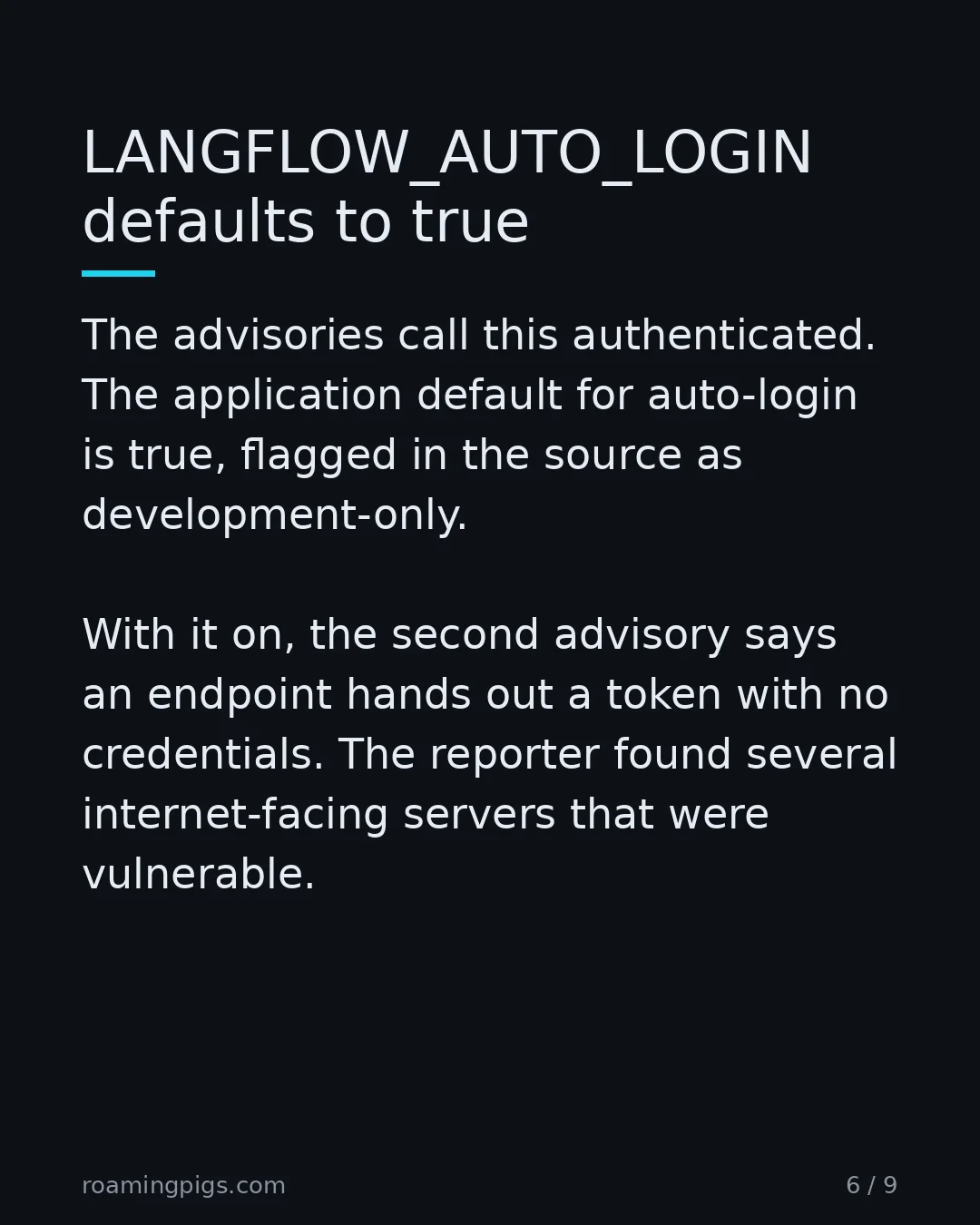
Both advisories call this authenticated. The word does less work than it sounds like. Langflow has a setting, LANGFLOW_AUTO_LOGIN, and in the application its default is true. I checked the source: the field defaults to true, with a comment calling it a security warning for development only. The docs agree, and add that the official Docker images ship it as false.
With auto-login on, the second advisory says, an endpoint hands out a token without credentials. In its words, "on an exposed instance running the default configuration this is reachable without an account." The reporter "found several internet-facing Langflow servers that were vulnerable." The advisory gives no count, so neither do I.
One caveat I will not paper over. The docs note that API calls can still want a separate API key unless another development flag is also set. "No account needed" holds on a default instance, not on every configuration. The honest version is narrower than the headline and still bad. And PR #12290's own description, written in March, called the attackers "unauthenticated." "Authenticated" protects you only as much as your login does, and the default login was none.
The same shape as last week
I wrote about a bank-like version of this in nobody stole the keys: an approval step that read its input from the system it was approving. Here the check read the right input but sat in the wrong place. A control is only as good as its position in the path. If a path reaches the dangerous operation without passing the control, the control is a suggestion.
The fix everyone writes, and the config that walks past it
The obvious advice is "validate the command against an allowlist." Langflow did that in 1.9.0, and it was not enough. So before repeating the advice I built the failure and ran it.
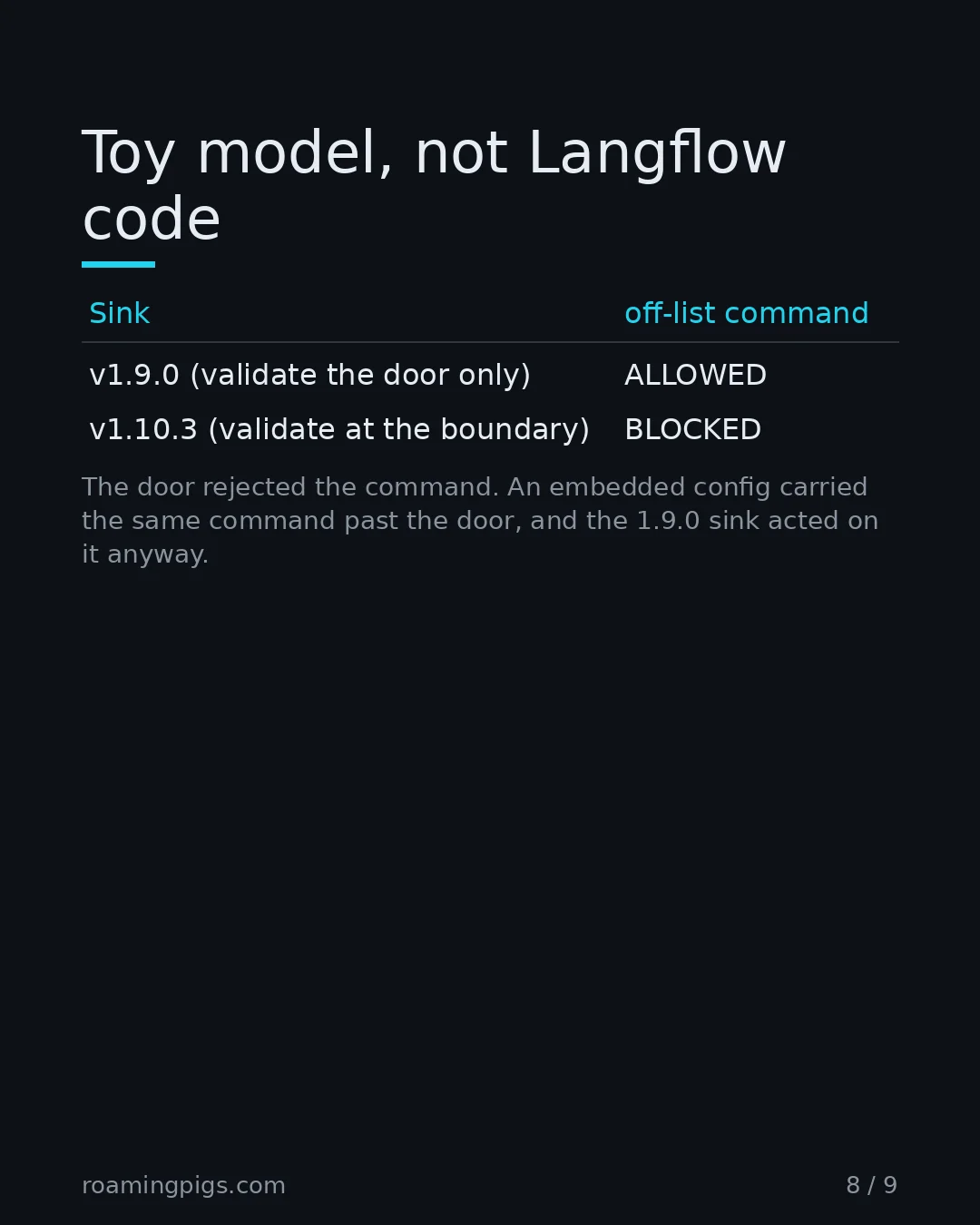
This is a toy in Python, not Langflow code, and it runs nothing. "Acting on a config" here means deciding ALLOWED or BLOCKED against the same kind of allowlist. A service takes configs at a door and acts on stored configs later. I validate only the door, the way 1.9.0 did, then add a config through a second path that skips it.
ALLOWED = {"node", "python", "python3", "npx", "uvx", "docker"}

def door_check(cfg):
    parts = cfg.get("command", "").split()
    base = parts[0].split("/")[-1] if parts else ""
    if base not in ALLOWED:
        raise ValueError(f"door rejects {base!r}: not on the allowlist")
    return cfg

class Store:
    def __init__(self):
        self.rows = []
    def add_via_door(self, cfg):
        door_check(cfg)                 # the only validated path in v1.9.0
        self.rows.append(cfg)
    def add_embedded(self, cfg):
        self.rows.append(cfg)           # a flow/tweak config, not the door

def load_v190(store):                   # 1.9.0 sink: no re-validation
    return [(c.get("command", ""), "ALLOWED") for c in store.rows]

def load_v1103(store):                  # 1.10.3 sink: validate here instead
    out = []
    for c in store.rows:
        parts = c.get("command", "").split()
        base = parts[0].split("/")[-1] if parts else ""
        out.append((c.get("command", ""),
                    "ALLOWED" if base in ALLOWED else "BLOCKED at sink"))
    return out

s = Store()
try:
    s.add_via_door({"command": "touch /tmp/marker"})
except ValueError as e:
    print(f"door path: {e}\n")
s.add_embedded({"command": "touch /tmp/marker"})   # skips the door
s.add_via_door({"command": "python3"})             # a legit server
for label, rows in [("v1.9.0 sink (validate the door only):", load_v190(s)),
                    ("v1.10.3 sink (validate at the boundary):", load_v1103(s))]:
    print(label)
    for cmd, verdict in rows:
        print(f"  {cmd:<28} {verdict}")
    print()
door path: door rejects 'touch': not on the allowlist

v1.9.0 sink (validate the door only):
  touch /tmp/marker            ALLOWED
  python3                      ALLOWED

v1.10.3 sink (validate at the boundary):
  touch /tmp/marker            BLOCKED at sink
  python3                      ALLOWED
The door rejected touch, as 1.9.0 does. Then the embedded config carried the same touch past the door, and the 1.9.0 sink acted on it anyway. The advice "validate the command" was followed, and the command still got through. Moving the check to the sink, as 1.10.3 did, blocked it and still passed the legitimate python3 server.
The toy is not proof about Langflow. It is proof about the shape, and the shape is what the two advisories and the code at both tags describe.
What 1.10.3 still allows
The full fix is a policy, not a sandbox, and the vendor says so. The second advisory's own hardening notes say "The allowlist still lets npx / uvx run any package by default, which is how MCP servers are normally distributed."
On a shared instance, it tells operators to set LANGFLOW_MCP_SERVER_ALLOWED_PACKAGES to the exact packages allowed, and to turn on the interpreter and Docker hardening flags. Upgrading closes this CVE. It does not make a multi-user Langflow safe to hand to strangers.
What this does not tell you
I cannot tell you who exploited this. I cannot tell you how many Langflow instances run with auto-login on. I cannot tell you why the first advisory lists only 1.8.3 as affected. Nor can I tell you why its patched line still reads 1.9.0 after an update on 5 October. I did not run any exploit, and I did not touch a real Langflow server.
What I can stand behind is narrow: the version math, the release dates, the code at both tags, and the words in the review. The rest is the vendor's account, quoted rather than summarized.
A patch note tells you a bug is fixed. It does not tell you the fix is complete. The first advisory was not wrong. It was partial, and partial reads exactly like done. The only way to tell them apart here was to read the second advisory, then the diff. I made the same argument in the attestation was valid: the check passed, and it had checked the wrong thing. Here every check passed, and every one of them was standing at the door.
Before You Trust the Patch Note
Five checks on where the guard sits, not on whether a patch shipped.
- Confirm the version you are on actually carries the full fix. For this Langflow bug that is 1.10.3 or later, not 1.9.0, even though 1.9.0 is listed as patched in the first advisory.
- Read the second advisory when there is one. A patched line for one entry point is not a fix for the operation behind it.
- Find the line of code where the dangerous operation happens. Check that the guard runs on that line, not only at the public API that posts to it.
- List every path that reaches that operation: the API, saved configs, embedded values, background loads. A guard that misses one of them is a guard you can walk around.
- Check how the service authenticates by default. Set LANGFLOW_AUTO_LOGIN=false, because an authenticated bug is unauthenticated when the default login is none.
The Bottom Line
If you run Langflow, 1.9.0 is not the fix for this. Go to 1.10.3 or later, and set LANGFLOW_AUTO_LOGIN=false while you are there. Then go one step past the patch note. Find the line where the dangerous operation happens. Check that the guard sits on it, not one room away at an entrance nobody has to use. A control you can walk around is decoration.
"The first advisory was not wrong. It was partial, and partial reads exactly like done."
Sources
- GHSA-7w94-79vh-5mr2: Authenticated RCE via MCP Stdio transport — CVE-2026-105740, CVSS 3.1 9.9. Affected 1.8.3, patched 1.9.0. The first advisory, whose single patched line names 1.9.0.
- GHSA-w794-rj3p-xv45: OS command injection via MCP stdio server configuration — CVE-2026-105697, CVSS 3.1 9.9. Affected langflow >=1.1.2 <1 -c. .10.3. 1.10.3; 1.9.0 account.< an and bash came default execution fix fixed fully in it langflow_auto_login=true makes model notes only, reachable rest sink span states steps still the two used validated without>
- PR #12290: prevent MCP command injection via allowlist validation (CWE-78) — Merged into release-1.9.0. Added a command allowlist to the MCPServerConfig REST model. A reviewer noted the arg check was a blocklist and asked that the code that actually executes commands be verified to use shell=False.
- PR #14036: harden MCP stdio configuration — Merged into release-1.10.3. Enforced one shared policy at the API, embedded flow/tweak configs and the pre-spawn boundary, and launched the process without a shell.
- Langflow docs: API keys and authentication (LANGFLOW_AUTO_LOGIN) — States the application default for LANGFLOW_AUTO_LOGIN is True and that official Langflow Docker images set it false; warns against exposing a server with auto-login on.
- Langflow release v1.9.0 — Release v1.9.0 published 2026-04-14T22:39:46Z (GitHub releases API). Ships PR #12290, the settings-API allowlist.
- Langflow release v1.10.3 — Release v1.10.3 published 2026-07-23T16:08:25Z (GitHub releases API). Ships PR #14036, validation at the launcher and no shell.
- Langflow util.py at v1.9.0 (MCPStdioClient._connect_to_server) — At the v1.9.0 tag the launcher still builds StdioServerParameters(command="bash", args=["-c", f"exec {command_str} ..."]) and carries a docstring to-do added by PR #12290: remove the bash -c wrapper, which 'would eliminate an entire class of injection vectors'.
- Langflow util.py at v1.10.3 (MCPStdioClient._connect_to_server) — At v1.10.3 the launcher calls validate_mcp_stdio_config(command_parts[0], command_parts[1:], env) then StdioServerParameters(command=command_parts[0], args=command_parts[1:]) with no shell.

Disagree? Have a War Story?
I read every reply. If you've seen this pattern play out differently, or have a counter-example that breaks my argument, I want to hear it.
Send a Reply →Your privacy matters here Your privacy
This site has no cookies, no analytics, no tracking pixels, and no third-party scripts. We don't collect, store, or sell your data. Period.
We use your browser's localStorage (never sent to any server) to remember your theme preference, scorecard answers, and which articles you've read. That's it. You can clear it anytime in your browser settings.
While you're here, some keyboard shortcuts:
- ⌘K / Ctrl+K Search articles
- ← → Previous / next article
- r Random article
Swipe left/right to navigate between articles.